

Choose an AI website builder for what your business needs after the first draft. A page collecting enquiries, a site taking bookings and a store shipping products need different features. AI can create layouts, copy and images; the right builder also lets you edit the result and run the visitor action you need.
For a simple lead page, consider Mixo. For bookings and payments on a hosted business site, look at Wix; for contacts and appointments, consider Durable. For a hosting bundle, compare Hostinger's full commitment. For WordPress, consider 10Web. For visual marketing sites, explore Framer or Webflow. The trade-offs and current costs below help you narrow this to two tools.
Features and public prices checked October 10, 2026. This is a comparison of documented capabilities and public product pages, not a hands-on ranking. Some links are affiliate links; Superfounder may earn a commission if you purchase through them.
Price convention: Webflow explicitly quotes USD; Wix displayed USD reference pricing before localization. Other “$” amounts retain the vendors' symbol because their currency codes were not confirmed. Wix, Framer and Webflow add applicable taxes; tax treatment for the other displayed offers was not confirmed. Use your regional checkout to confirm the total.
Which AI website builder fits your project?
| Your website's job | Options to investigate | Deciding question |
|---|---|---|
| Validate an offer or collect leads | Mixo | Does a focused page cover your offer and lead-capture needs? |
| Take service bookings and payments | Wix | Does the plan support your calendar, intake form and payment workflow? |
| Manage contacts and service appointments | Durable | Does the CRM and booking flow match how you serve customers? |
| Build a website with a hosting bundle | Hostinger | Does a long prepaid term suit your budget, including renewal and AI credits? |
| Use WordPress or WooCommerce | 10Web | Can your required plugins and checkout work within the plan? |
| Design a portfolio or startup marketing site | Framer | Can you refine the canvas and mobile layout, and confirm any required export route? |
| Run a structured content website | Webflow | Do you need CMS hosting, code export or both? Those have different plan costs. |
A store needs a catalog, checkout, delivery and order management. A payment button alone is not an online store. A web app with accounts, permissions and a database is another project again: do not assume a marketing-site generator includes those systems. For an app, use our vibe coding tool comparison to compare free-plan limits, code access and running costs.
Seven AI website builders and their trade-offs
Mixo: a focused landing page and lead capture
Mixo is worth considering when the main job is explaining one offer and collecting interest. Its native AI tools generate a website, content and images; its help center also documents AI form customization and article creation.
Free means a branded page on a Mixo subdomain, with up to three published articles. Mixo's current plans price Business at $20 with monthly billing or $192 a year ($16 per month equivalent). Premium is $40 monthly or $384 a year ($32 equivalent). Business allows one content hub, such as a blog, guides or portfolio; Premium supports multiple hubs. This quota concerns content publishing, not the layout sections of your landing page. Mixo's documented external payment links do not establish a full native store.
If you need both a blog and a portfolio or another content hub, check Premium. For detailed article limits, domain and export considerations, see our Mixo review.
Create a free Mixo page with your own brief
Wix: a business website with bookings or a store
Wix's current AI workflow uses the Harmony editor and Aria, rather than the old Wix ADI workflow. Describe your business, generate pages and refine them with prompts or manual editing. Wix also provides store, scheduling, blog and contact-management features, which makes it a candidate when the site must support daily business operations.
Aria chat is free and does not use AI credits. Other tools and agents can consume credits, so free chat does not mean unlimited business automation. Check the current credit rules for the feature you need.
The observed yearly prices were $17 per month for Light ($204 a year) and $29 for Core ($348 a year), paid upfront, plus applicable taxes. Core lists payments, basic ecommerce and scheduling; Light is not the right price comparison for accepting payments. Prices vary by location. Building free does not include a custom domain or removal of Wix branding.
Two limits matter: an AI-created site cannot simply switch to another template, and a complete Wix site cannot be exported for external hosting. Review the hosting restriction before treating Wix as portable.
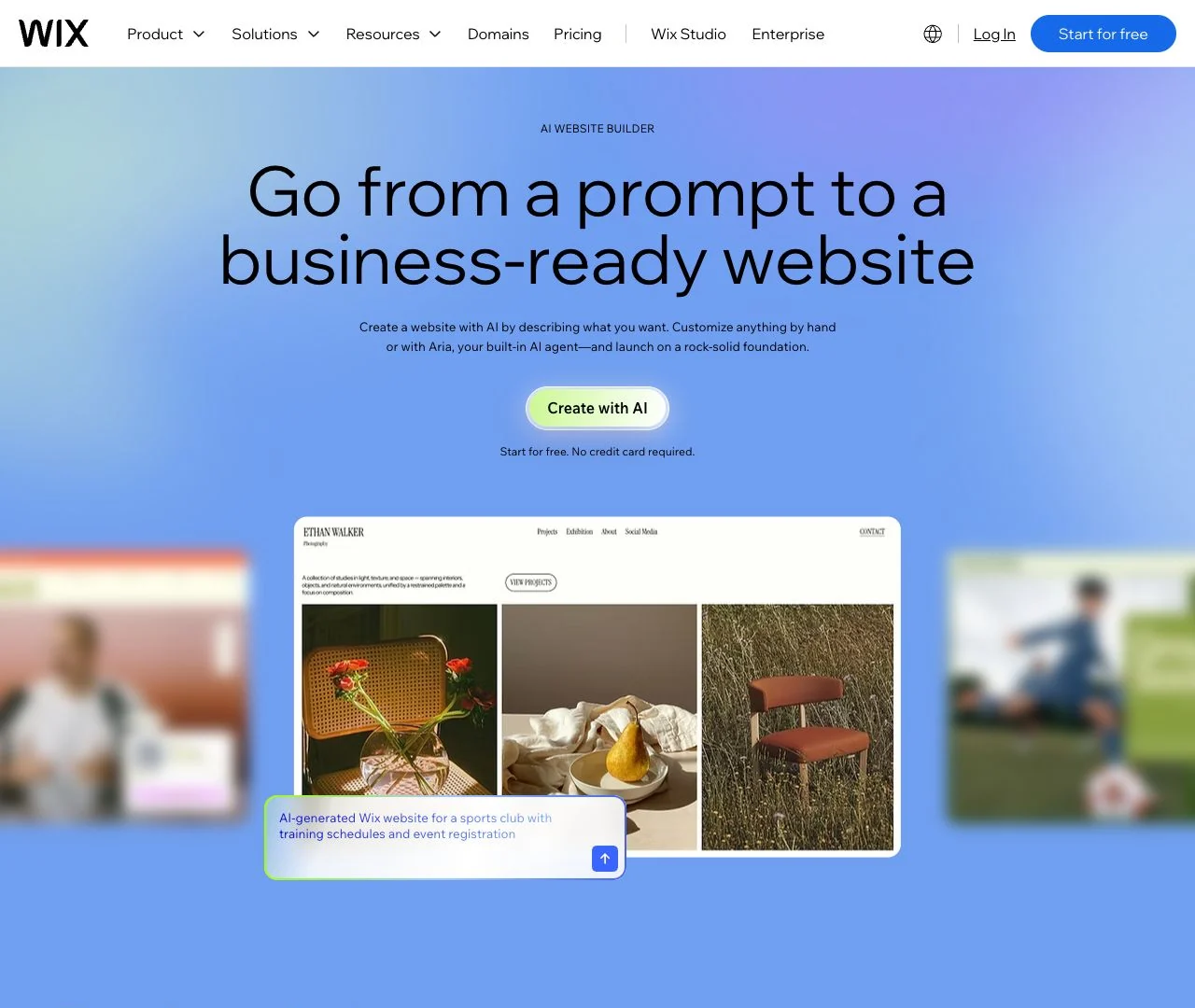
Explore Wix's AI builder for your business workflow
Hostinger: a hosting bundle with two editing approaches
Hostinger's AI builder offers Manual mode for AI generation followed by visual editing, and Agentic mode for prompt-based building and changes. Choose the approach before starting, and confirm the migration path if you may need the other mode later.
The advertised $2.99 is a monthly equivalent for 48 months, not a monthly subscription. Premium requires $143.52 upfront and shows renewal at $10.99 per month. Unlimited is $191.52 upfront ($3.99 equivalent), renewing at $16.99 per month. Domain and mailbox inclusions last one year; account for later costs separately. Ecommerce is an add-on: the page advertises “$1 for 3 months,” then $8.99 per month on renewal. Confirm the introductory payment and required store features at checkout; the hosting price alone is not a store budget.
Premium includes five AI website/app credits as a one-time gift; Unlimited includes 15. Agentic mode needs active hosting and credits, with variable usage costs and paid top-ups. These are not monthly unlimited allowances. The credit guide explains the model.
Portability also depends on the mode. Agentic code export supplies a React/Vite project but excludes integrated backend data. Manual mode's WordPress content export excludes the layout, store and several other features. Confirm which kind of export you actually need.
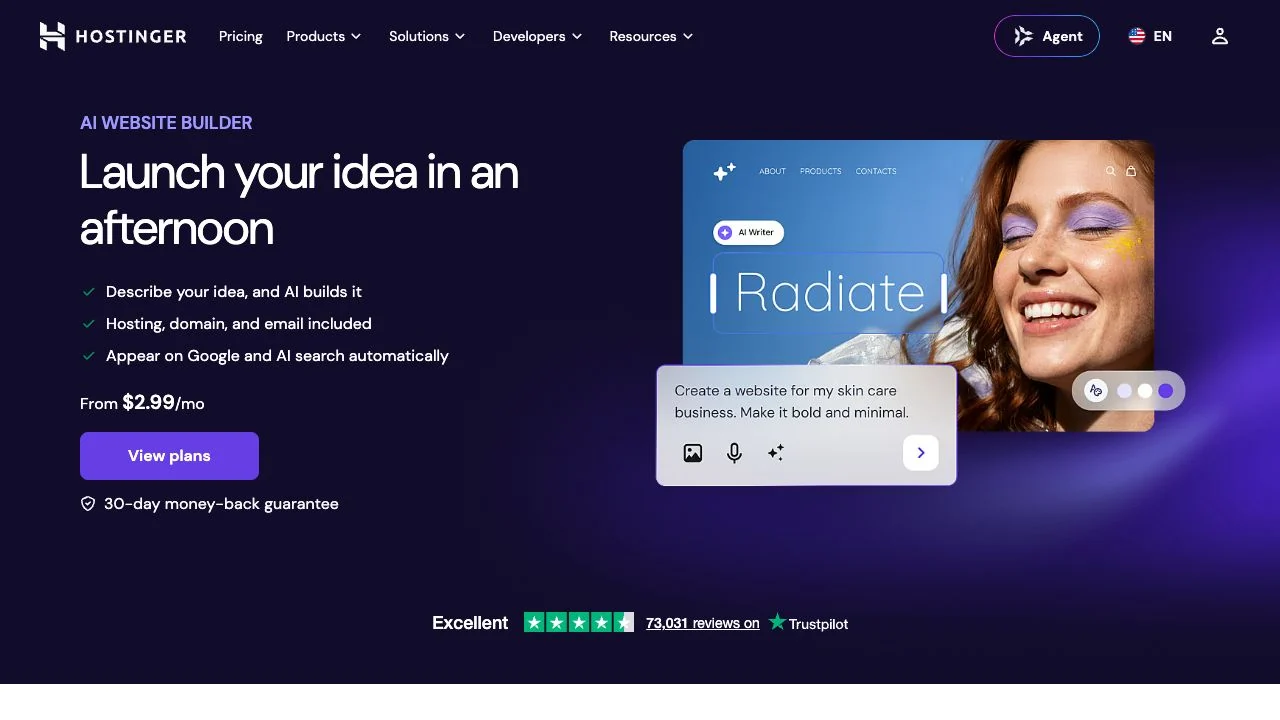
Check Hostinger's prepaid plans and editing modes
Durable: a service website with CRM and bookings
Consider Durable if contacts and appointments matter more than an elaborate product catalog. Its paid plans combine a website, CRM and bookings. AI Partner can create draft website changes from prompts; the documented workflow asks you to review and publish those changes.
Launch costs $25 with monthly billing or a displayed $22 per month on yearly billing ($264 for 12 months, calculated). It includes 1,000 AI credits per month. Grow is $49 monthly or $41 on yearly billing ($492 calculated), with 5,000 credits and additional team and translation features. The Free option is described as a website preview with 300 credits to try, not an unrestricted free production site.
Durable says it is not designed specifically for ecommerce. Check your booking, intake and lead-response flow rather than assuming a store checkout. Its AI and SEO features are capabilities, not evidence that your site will rank or bring in customers.
Compare Durable's service-business plans
10Web: AI generation on WordPress
10Web is a candidate when WordPress or WooCommerce is a requirement. It documents AI website generation, chat-based changes and a visual editor on WordPress. That gives you a different operating model from a closed hosted builder: your plugin choices and store setup remain part of the decision.
The AI Starter annual offer shows $120 for the first 12 months ($10 per month equivalent), alongside a regular annual price of $240. It lists one website, 100 monthly AI credits, 10 GB storage and 10,000 monthly visitors. The displayed regular price is not a checkout-confirmed renewal charge.
Free generation and a one-week trial do not establish free ongoing hosting. Check the current trial and billing terms before starting. If you claim the included free domain, the pricing page says the 30-day money-back guarantee no longer applies. For a WooCommerce site, check payment availability, required extensions and their costs; do not budget from a homepage demo alone.
Explore 10Web's WordPress AI builder
Framer: an AI-assisted canvas for marketing sites
Consider Framer for a portfolio or startup marketing site where you want to shape typography, layout and interactions. Its AI canvas agent creates and edits pages, copy and visuals inside the project. The Agents guide recommends focused section-level work and actual reference assets, rather than asking one broad prompt to solve everything.
Framer's Basic plan is $10 per month with yearly billing ($120 a year, calculated), with 30 pages, two CMS collections and 1,000 monthly AI credits. Pro is $30 per month yearly ($360 calculated). Applicable sales tax is added at checkout. Free includes 500 one-time AI credits and a Framer domain; Framer describes that plan as intended for non-commercial use. Budget for a paid plan for a business launch with a custom domain.
Confirm a working export route if independent hosting is essential. Framer’s HTML-export help and portability guide give conflicting answers about exporting the complete website. Also check seats, localization and usage add-ons, and remember that credit use varies by action. For AI credit limits, editor costs and a CMS exercise, read our Framer review.
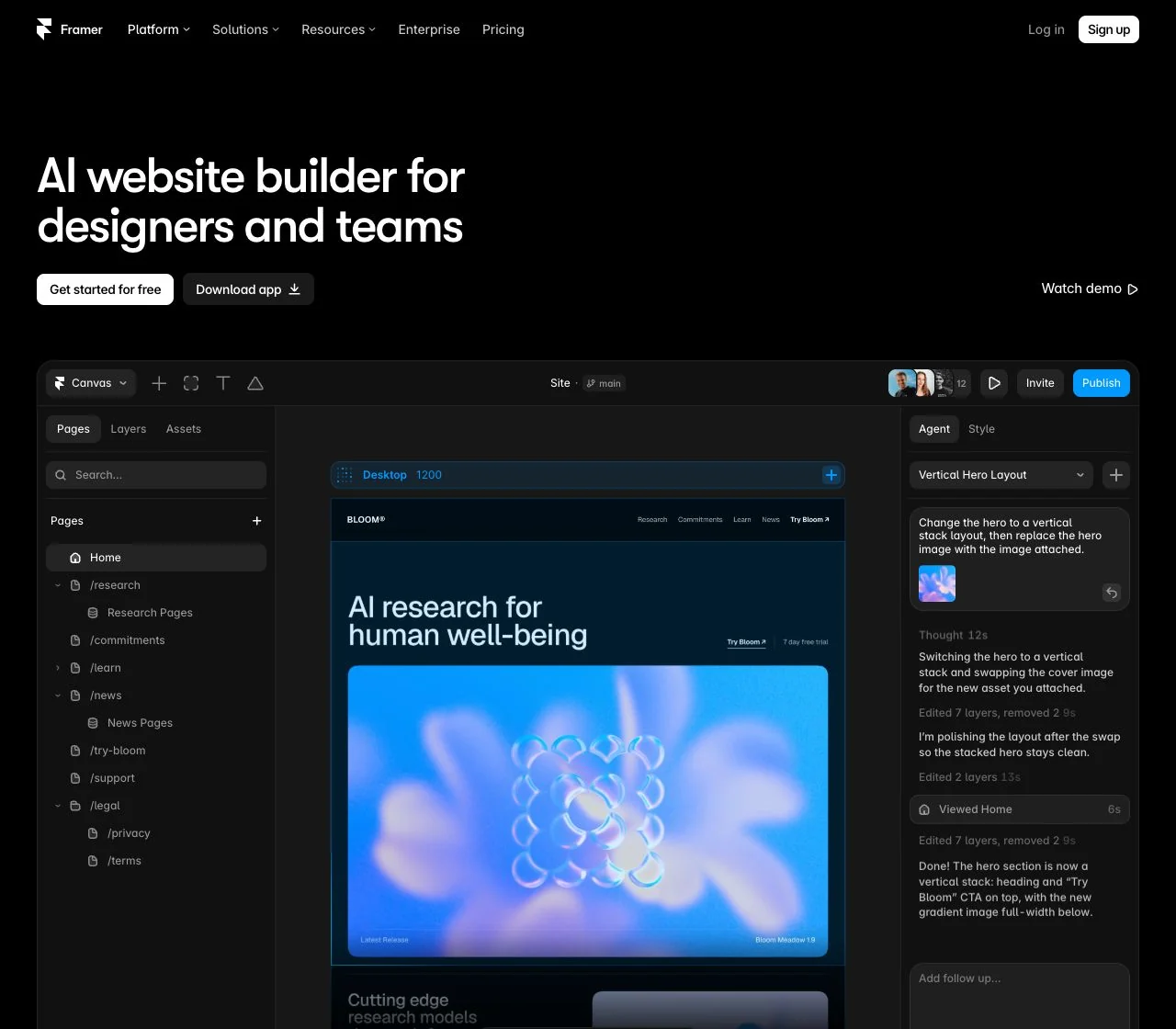
Explore Framer's canvas and AI workflow
Choosing between these two for a service website and blog? Use our Webflow vs Framer comparison to compare the required plans, current AI tools and the same website brief.
Webflow: structured content and reusable design
Consider Webflow when your marketing site needs a structured CMS and detailed visual control. Its AI site builder creates a starting structure, theme and content for a new site, or a site previously built with that generator. It cannot run the initial generation flow on any existing non-AI Webflow site. Starter allows two static pages; paid plans allow up to five in the initial generation.
Basic Site hosting is US$15 per month billed yearly (US$180 a year) and has no CMS. Premium Site is US$25 billed yearly (US$300 a year) with CMS features. Applicable taxes are extra. A paid Workspace is separate from Site hosting; it is not required merely to host one site on a paid Site plan.
Building a site and designing sections currently do not consume AI credits. Generating copy, CMS items, code components and SEO suggestions does. These use Workspace credits with variable costs; the Starter Workspace includes 200 monthly credits. See Webflow's AI credit rules.
Code export requires a paid Workspace and exports static HTML, CSS and JavaScript. It does not carry over working CMS, ecommerce or form processing. Treat export and ongoing hosting as separate requirements.
Compare Webflow Site and Workspace plans
What will your AI website actually cost?
These are price references for the named plans, not equivalent feature bundles. Annual totals below are 12 times the displayed annual monthly equivalent unless the vendor supplies the full payment. Use the currency and tax qualifications above, and include any extras your project requires.
| Plan | Billing reference | Commitment / payment | Cost to check next |
|---|---|---|---|
| Mixo Business | $20 monthly; $16 equivalent yearly | $192 per year | Premium if you need multiple content hubs; domain and tax terms |
| Wix Light / Core | $17 / $29 equivalent yearly | $204 / $348 per year, calculated; plus taxes | Core for payments; domain renewal, apps and local pricing |
| Hostinger Premium / Unlimited | $2.99 / $3.99 introductory equivalent | $143.52 / $191.52 for 48 months upfront | $10.99 / $16.99 hosting renewal equivalent; ecommerce add-on $8.99/mo after intro; domain, email and AI top-ups |
| Durable Launch | $25 monthly; $22 equivalent yearly | $264 per year, calculated | Credit allowance, domain coverage and local tax terms |
| 10Web AI Starter | $10 introductory equivalent | $120 for first 12 months | Displayed regular annual price $240; confirm renewal and plugins |
| Framer Basic | $10 equivalent yearly | $120 per year, calculated; plus applicable tax | Credits, collaborators, localization and usage add-ons |
| Webflow Basic / Premium Site | US$15 / US$25 equivalent yearly | US$180 / US$300 per year; plus taxes | Premium for CMS; Workspace for export; optional add-ons |
Calculate first-term cost = prepaid plan + required domain/email + necessary add-ons + applicable taxes. Calculate renewal separately. A 48-month offer cannot be compared with a one-year payment by looking only at the monthly equivalent. AI credits are also not interchangeable between vendors: one credit does not mean one prompt everywhere.
Copy this brief into two shortlisted builders
Replace the brackets with your real information. Keep the content and assets the same in both tools so that you can compare what remains to fix.
For a focused lead page, use the landing-page guide to work through the offer, proof and CTA before generating the design.
Business and offer: [What you sell, to whom, and the concrete outcome.]
Main visitor action: [Enquire, book, subscribe or buy — choose one.]
Required pages: [Only the pages you actually need.]
Content and proof: [Real services, prices, approved quotes and images.]
Visual direction: [Colours, tone, reference URLs and what you like about them.]
Required workflow: [Form destination, booking provider, catalog, payments and integrations.]
Ongoing edits: [What you need to change yourself, including mobile layout.]
Ownership: [Domain control, lead export, content export or self-hosting requirements.]
Constraints: [Region, language, budget, launch date and accessibility needs.]
Do not invent customer quotes, awards, prices, guarantees or results. Mark missing facts as placeholders.
Check the result before you subscribe
- Edit three things: change the main headline, add a required section or page, and fix the mobile layout. Check whether you can make these changes without regenerating work you want to keep.
- Run the visitor action: send an authorized test enquiry or booking and confirm where it arrives. For a shop, inspect checkout, shipping, taxes and refunds in the appropriate test mode.
- Inspect the content: remove invented claims and placeholders. Check image rights, links, page titles and accessibility, rather than accepting the AI draft as finished.
- Price the actual plan: record the billing term, full payment, renewal and any necessary credits, domain, email or integrations.
- Check the exit route: distinguish owning your content from exporting a working site. Confirm how to retrieve leads and who controls the domain.
Use pass, fail or needs confirmation for each must-have. A failure on your visitor action rules out the tool for that project, however good the screenshot looks. Use this small worksheet to keep the decision concrete:
Builder A / plan:
Builder B / plan:
Must-have visitor action — A: [Result + evidence.] B: [Result + evidence.]
Pages and mobile edits — A: [What needs fixing.] B: [What needs fixing.]
AI draft repair — A: [Manual work left.] B: [Manual work left.]
Domain and data — A: [Ownership/export route.] B: [Ownership/export route.]
First-term total — A: [Currency/term/plan/extras/taxes.] B: [Same items.]
Renewal total — A: [Amount/term/unknowns.] B: [Amount/term/unknowns.]
Decision: [Fits/does not fit/needs confirmation + the deciding requirement.]FAQ
Can I publish an AI website for free?
Sometimes, but generation, preview and publishing are different offers. Mixo's Free plan provides a branded site on its subdomain. Wix can be started free, with paid upgrades for a custom domain and branding removal. Durable describes its free offer as a preview; 10Web describes a trial. Framer's free plan is positioned for non-commercial use. Check the actual publishing terms before choosing a free builder for a business.
Will an AI-built website rank in Google or AI search?
AI generation does not guarantee rankings or citations. You still need useful, accurate content and a site search engines can access. Google says special AI markup and llms.txt are not required; Google Search ignores llms.txt. Treat vendor “SEO-ready” or “GEO” features as tools, not traffic promises.
Can I move the website to another host later?
Check the exact export, not just a claim that you own your content. Wix does not support exporting the complete site for external hosting. Framer’s portability guidance and HTML-export help conflict; confirm a working full-site export if independent hosting is required. Webflow's static code export excludes several dynamic services and needs a paid Workspace. Hostinger's two modes have different export limits. If portability is a must-have, confirm the exported files, data and working features before committing.
Your next step
Disclosure: Superfounder may earn a commission if you buy through the Framer link.
Pick the two tools whose documented features cover your must-haves. Paste the same brief into both, make the same edits and verify the same visitor action. Choose the one you can maintain at a clear total cost. If your project is a focused enquiry or validation page, the Mixo review explains its current plans, limits and domain considerations in more detail.

Affiliate Disclosure: Some of the links in this article may be affiliate links, which can provide compensation to me at no cost to you if you decide to purchase a paid plan. This site is not intended to provide financial advice and is for entertainment only. As an Amazon Associate I earn from qualifying purchases.