

Free shadcn/ui blocks give you ready-made sections for a React website: a navigation bar, hero, pricing cards or FAQ. They’re useful when you’ve chosen your component foundation and want a convincing SaaS page without laying out every section from scratch.
For the combinations tested here, start with Shadcnblocks if you want separate sections with configurable content, or Shadcn Studio if its combined header/hero and pricing structure fit your page. Both supplied monthly/annual pricing state. Choose Tailark Dusk for its layout when you’re comfortable adding that pricing logic yourself. The selected Tailark Pricing 2 is static markup.
The difference became clearer after installation. Studio’s first production build passed, yet its mobile menu still needed a keyboard fix. Shadcnblocks and Tailark needed TypeScript repairs before they passed the production build. All three needed the buttons connected to an actual page action.
Tested October 28, 2026: Codex built the same fictional SaaS marketing page in three isolated Next.js projects and checked it in desktop and mobile browser viewports. These are agent-executed tests, not Sebastian’s personal use. The results apply to the exact free blocks below, rather than every block each provider offers.
Which free shadcn blocks fit your SaaS page?
A block is a composed section, not a finished product. A pricing block can display annual totals without creating a subscription. A hero can look complete while its button goes nowhere. Choose the structure you want to maintain, then connect it to your business.
| Decision | Shadcnblocks | Shadcn Studio | Tailark Dusk |
|---|---|---|---|
| Free sections used | Navbar 1, Hero 1, Pricing 2, FAQ 1. | Hero 1 including header, Pricing 1, FAQ 1. | Hero 1 including its header, Pricing 2, FAQs 1. |
| Content structure | Separate sections; hero, FAQ and plan content exposed through props. | Combined header/hero; data-driven pricing with annual totals and savings. | Combined header/hero; selected pricing cards start as repeated static JSX. |
| Billing switch supplied? | Yes: monthly/yearly state. | Yes: monthly/annual state. | No for Pricing 2. We added state, a Switch and a plan-data loop. |
| First strict build | Failed: required Accordion type missing. | Passed. The CLI resolved registry imports and icon placeholders. | Failed: missing generic types in Accordion/SVG dependencies. |
| Other work found | Heading hierarchy, menu name and section-link behavior. | Mobile menu keyboard activation and specific low-contrast text. | Mobile menu Escape/focus return and matching buttons to the requested radius. |
| Choose this starting point when… | You want to assemble separate sections and pass your content into them. | You like the header/hero and pricing arrangement enough to keep it. | You want the Dusk composition and accept more pricing/application work. |
The selected code was available without a premium purchase. Hosting, your coding agent and real account/payment services are separate costs. The free-use terms also differ; “free” doesn’t mean you can redistribute every library.
If you haven’t chosen a component foundation yet, use the free UI libraries comparison first. This guide keeps shadcn-based sections and evaluates what you can build with them.
The same SaaS page, built three ways
The brief was a page for Feedback Inbox, a fictional tool for collecting customer requests. Each version needed a navigation, hero, shared HTML product preview, two plans with monthly/annual billing, five FAQs and a visible response when a plan was selected. The prices and requests are example data; no account or checkout exists.
All projects started from the same pinned Next.js 16.4.3, React 19.3.1, Tailwind CSS 4.3.3 and shadcn CLI 4.23.0 baseline, using Radix/Nova. Each provider’s setup and layout were retained. Shadcnblocks’ theme overrides font tokens, so this is not a pixel-identical typography comparison.
Shadcnblocks: separate sections with useful content props
Shadcnblocks was a comfortable fit for assembling the page section by section. Hero and FAQ content can be passed as props, and Pricing 2 already contains monthly/yearly state. That gives you places to put product copy and plan data without inventing a new interface for every section.

Installation completed, but the first strict production build stopped in the navbar. Its Radix Accordion needed a type. Adding type="single" collapsible fixed that source-level error. When the sections were composed, the FAQ’s H1 also needed to become H2 beneath the hero’s H1.
The menu icon needed an accessible name, and section links needed to close the mobile sheet after selection. Those are small changes with a direct consequence: someone can understand the control and reach the section they chose.
Fit: use this selection when separate sections and configurable content suit your project. Budget for composition and interaction checks, even though the price switch is already there.
Shadcn Studio: a clean first build still needs keyboard testing
Studio’s initial production build passed. Its source contained internal registry imports and icon placeholders, but the CLI resolved them during installation. No manual import repair was needed after the CLI install.
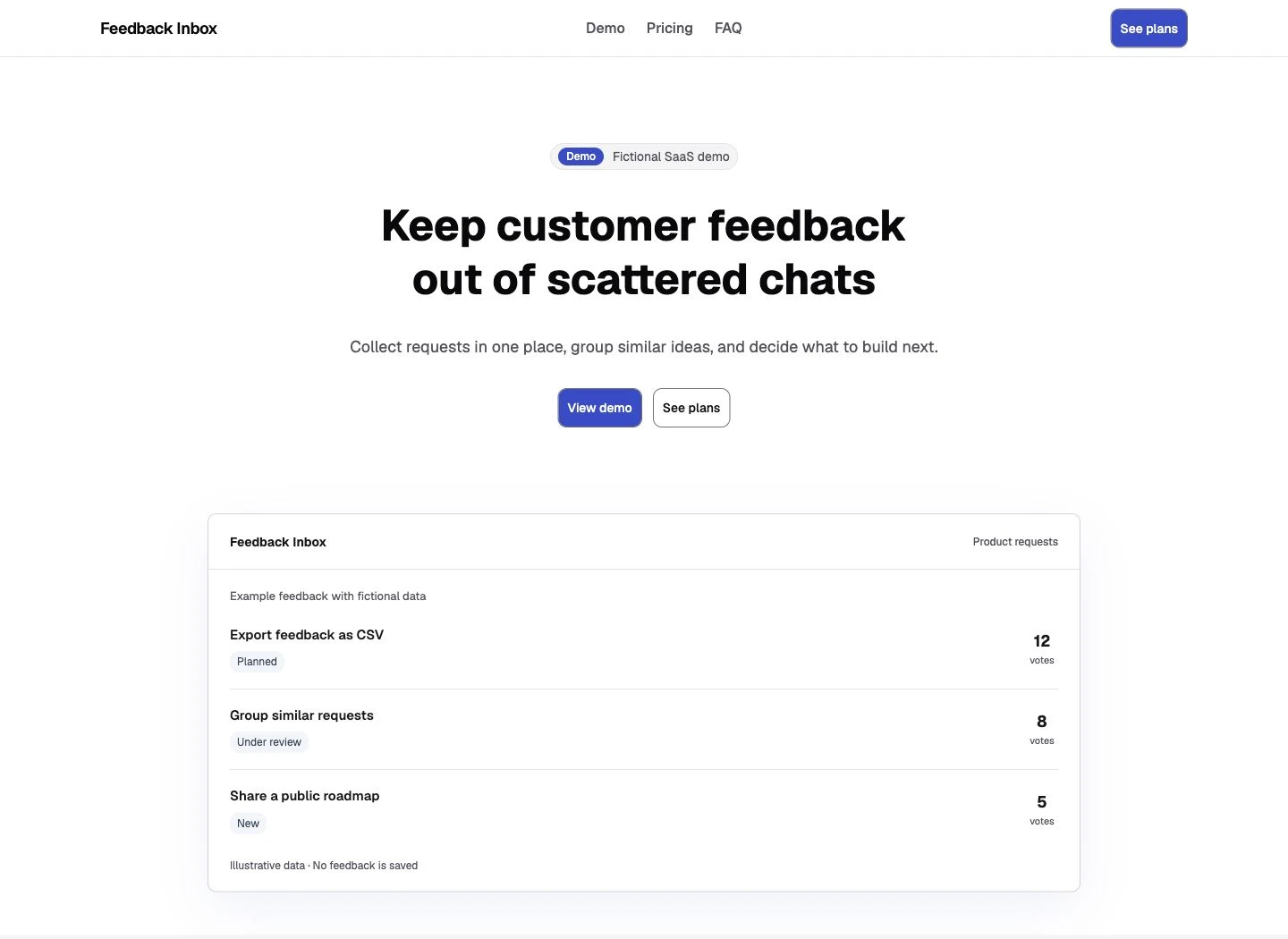
The revealing problem appeared in the mobile menu. Keyboard focus landed on a menuitem DIV that contained an anchor. Pressing Enter closed the menu without following the section link. Making the anchor itself the menuitem fixed that path:
<DropdownMenuItem asChild>
  <a href="#demo">Demo</a>
</DropdownMenuItem>
After the change, the real Tab/Enter sequence reached the Demo section and closed the menu. This is why a successful build and a good-looking mobile screenshot answer different questions.
Fit: use this selection if the combined header/hero and pricing-card arrangement match your page. It supplied useful data and billing structure, but the selected navigation and colors still needed inspection.
Tailark Dusk: keep the composition, add the pricing logic
Tailark’s Dusk layout gives the page a strong central composition: headline, actions and a large product preview. The selected Pricing 2 is simpler underneath. Its cards are static JSX, so a monthly/annual control would be new application code.
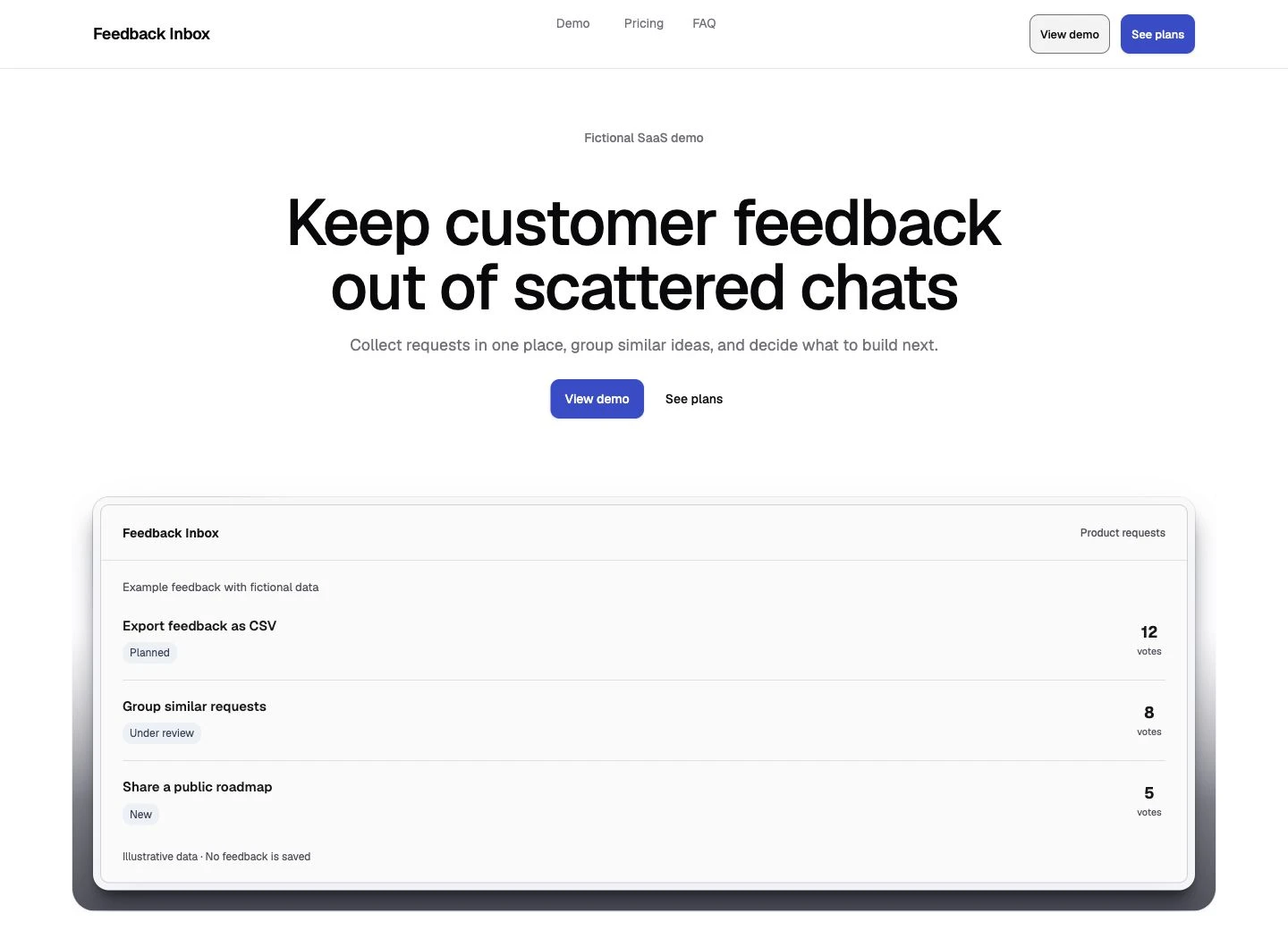
The first strict build failed in transitive dependencies: Accordion wrappers lacked concrete React.ComponentProps type arguments, and SVG files lacked SVGProps<SVGSVGElement>. We confirmed the missing types in the published Accordion and Bolt SVG responses, so those errors weren’t introduced by the CLI.
We also added Escape-to-close and focus return for the mobile menu, then converted the price cards into a plan-data loop and added a Radix Switch with billing state. The resulting behavior works in the demo, but it should not be mistaken for behavior shipped in Pricing 2.
Fit: choose these Dusk sections because you want their composition and can own the extra pricing logic. The hero’s stock customer-logo strip was removed; a real business page needs evidence it can honestly show.
What the mobile screenshots don’t tell you
All three repaired pages fit the checked 390px mobile viewport. The final two-plan and three-plan versions also had no whole-page horizontal overflow at 320, 768 and 1440px. These are browser viewport checks, not tests on physical phones.



A screenshot cannot establish that a link activates, Escape returns focus or annual billing shows the right amount. The checks therefore followed the real navigation links, used both hero actions, changed billing by pointer and keyboard, selected every plan, and opened and closed all five FAQ answers. Tailark’s original mobile menu stayed open after Escape; that behavior was repaired.
Studio also had two specific text-contrast problems. Muted text on a muted background measured 4.387:1, and green annual-savings text on white measured 3.216:1. Both were below the 4.5:1 threshold used for that normal text. Darkening the relevant colors resolved those sampled failures.
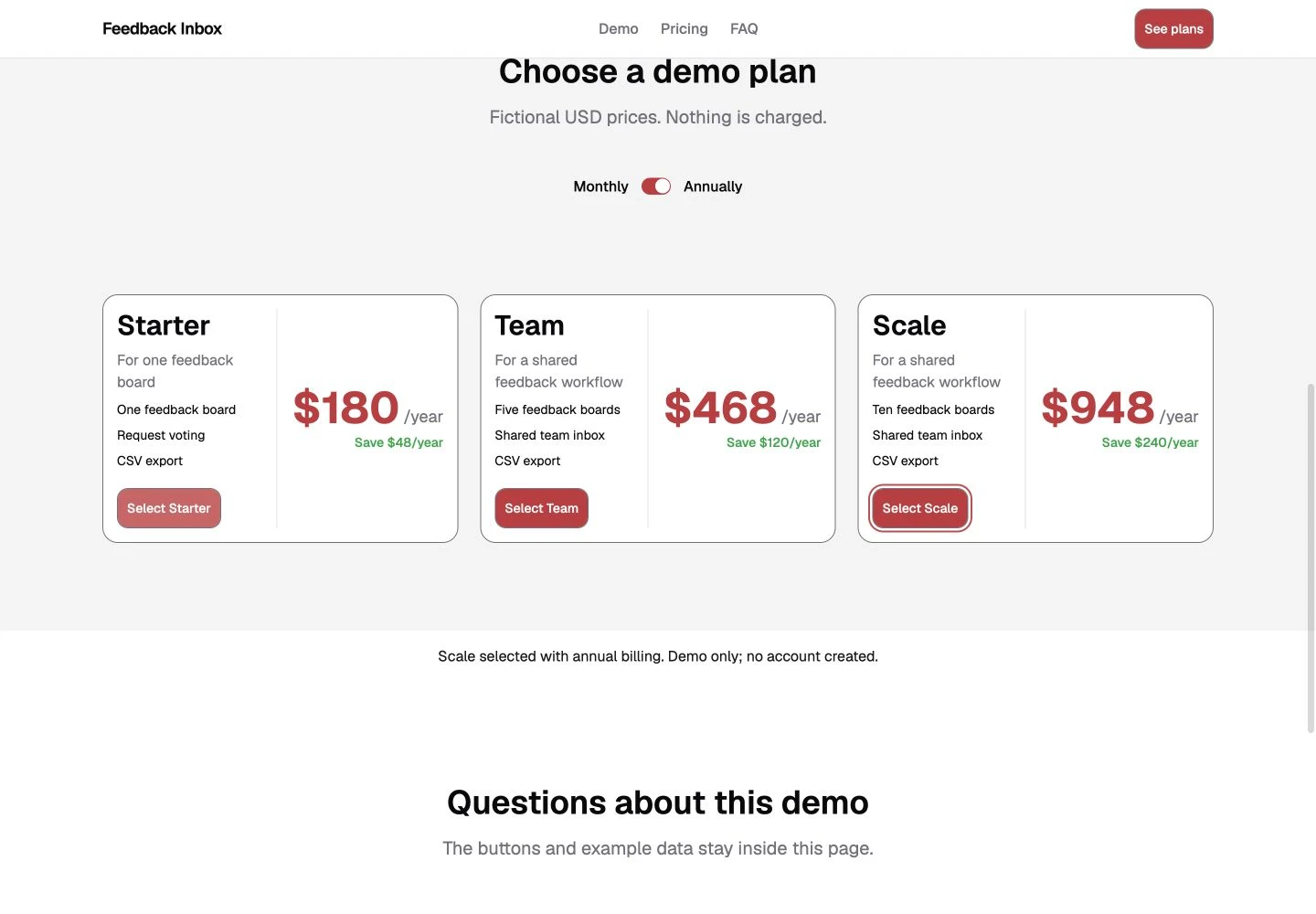
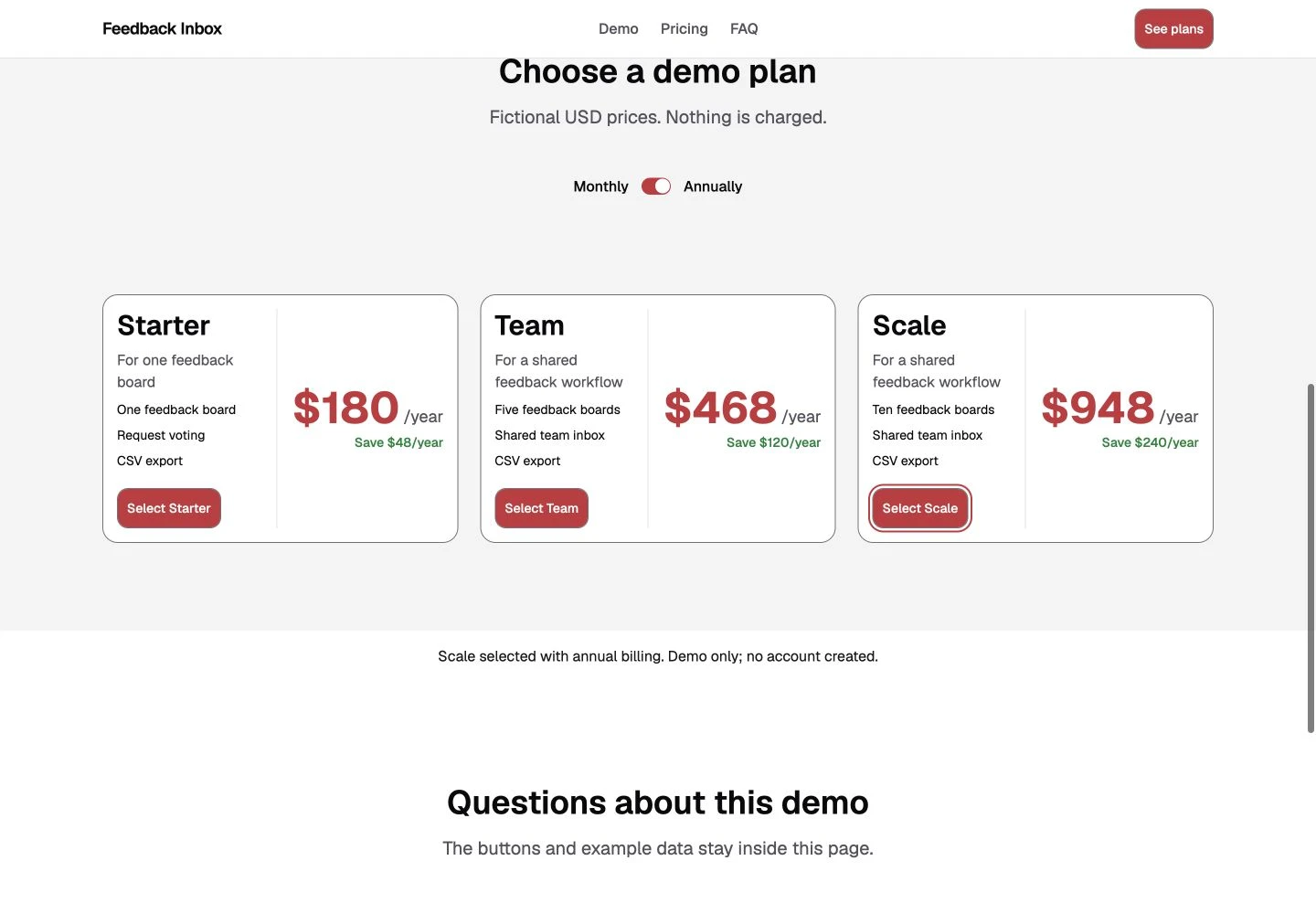
The final text and focus samples passed their recorded checks. This is not a full accessibility audit. Reduced-motion rules were present, but behavior with the active reduced-motion preference was not separately verified.
Try a real change before committing to the layout
The follow-up brief changed the headline and primary color, set a 12px radius and added a third Scale plan. All three final builds passed after adaptation, but the changes exposed different boundaries.
Shadcnblocks and Studio already had plan-data structures. Tailark needed one added for this task. Tailark’s buttons also used a fixed pill class, so changing the global radius alone left them pill-shaped. Mapping the button class to the requested radius made the change consistent. That is a design adaptation, not a defect in pill buttons.
The exercise wasn’t a race: the same agent worked sequentially, the brief disclosed the later change, and shared page code already allowed for it. There’s no supported time, token-spend or AI-model winner.
Check your agent’s changes too. During our Studio adaptation, a broad link-display rule overrode responsive visibility and briefly caused 21px of overflow at 320px. Narrowing that rule fixed it. That was our integration mistake, not an original Studio defect.
For your page, ask for a longer headline and another plan before adopting dozens of sections. You’ll see whether content is data, repeated markup or a mixture—and whether the theme reaches all the components you care about.
What “free” covers—and when paid blocks matter
No premium library was required for the four sections in this test. The selected code was fetched from public registries without an account or API key. That doesn’t make every catalog item, AI integration or redistribution right free.
- Shadcnblocks: its Free Blocks terms describe end-product use and separate conditions for directories and redistribution. Its setup guide requires authentication for Pro/Premium installation.
- Shadcn Studio: the free license page describes personal/commercial use and adds Commons Clause restrictions. Don’t summarize it as unrestricted MIT. The free registry setup is separate from premium access.
- Tailark: these selections use Dusk OSS and its MIT notice. The setup guide separates the public OSS registry from gated Quartz content.
Read the relevant terms before using a collection in a template pack, component catalog or builder. This article links the original sources; it does not distribute a combined component bundle.
A paid collection is worth investigating when a specific included section or page solves a requirement the free selection doesn’t cover. More layouts alone don’t remove account, data, payment or accessibility work. Paid blocks weren’t tested here, and there are no affiliate links in this comparison.
Install one consistent selection
Use one provider first. Match its registry to your project’s UI base and style, check aliases, and apply its documented theme. Mixing several collections immediately makes CSS, tokens and dependency changes harder to trace.
For the tested Radix/Nova projects, the relevant registries entries in components.json were:
"registries": {
  "@shadcnblocks": "https://www.shadcnblocks.com/r/{style}/{name}",
  "@shadcn-studio": "https://shadcnstudio.com/r/{style}/{name}.json",
  "@tailark-oss": "https://oss.tailark.com/r/radix/{name}.json"
}
Merge only the entry you need into your existing configuration. For Shadcnblocks, install the documented theme before the sections. These are the exact item names used with CLI 4.23.0:
# Shadcnblocks: theme, then the four sections
npx shadcn@4.23.0 add @shadcnblocks/theme/shadcnblocks
npx shadcn@4.23.0 add @shadcnblocks/navbar1 @shadcnblocks/hero1 @shadcnblocks/pricing2 @shadcnblocks/faq1

# Or Shadcn Studio: header included in the hero
npx shadcn@4.23.0 add @shadcn-studio/hero-section-01 @shadcn-studio/pricing-component-01 @shadcn-studio/faq-component-01

# Or Tailark Dusk: header is a hero dependency
npx shadcn@4.23.0 add @tailark-oss/dusk-hero-section-1 @tailark-oss/dusk-pricing-2 @tailark-oss/dusk-faqs-1
Review the changes the CLI proposes, especially if components already exist. The commands add source; you still compose the page and connect its actions. Check the linked provider docs for current item names and setup rather than assuming an old command covers a different UI base.
If you want your coding agent to look up real registry components, the shadcn MCP guide explains that workflow. This comparison used CLI installation, so it doesn’t measure any MCP speed or credit savings.
Copy this brief into your coding agent
Choose one provider in the table, then copy its names from the “Free sections used” row into this brief. Paste it into your coding agent in a separate prototype with your project details. It gives the agent a complete small page to finish and a change to verify.
Build one SaaS marketing page using the exact free blocks listed below.

Project: [framework, React/Tailwind versions, package manager, UI base]
Selected provider and blocks: [one provider + its exact block names
from the "Free sections used" row]
Product: [who it helps, the job it does, one honest primary action]

Read the provider's current official setup. Inspect components.json,
aliases, UI base and theme before editing. Show the dependencies and
files that will change. Do not overwrite existing components without
showing the diff. Use official free registry sources only; do not buy
blocks, invent APIs or install another UI system to hide an error.

Compose one navigation, hero, pricing section and FAQ. Use my actual
copy or clearly fictional demo data. Remove stock customer logos and
claims I cannot support. Keep one H1 and logical section headings.

Connect the hero links and section anchors. For a local prototype,
show a visible plan-selection confirmation; do not imply signup or
payment. Display monthly prices and actual annual totals consistently.
Identify whether billing state came with the block or you added it.

Run the production build. Check 1440px, 768px, 390px and 320px layouts,
keyboard navigation, menu Escape/focus return, FAQ toggles, text
contrast and button actions. Capture real desktop/mobile screenshots.
Report failed checks, repairs and anything you could not verify.

Then change the headline, accent and radius, and add a third plan.
Check all repeated cards and both billing periods again. Return the
changed files and separate supplied code from application logic.

