
Resend handles signup confirmations, password resets and other emails from your app. Its official MCP connection lets a coding agent manage much of the setup. Check the DNS and app work that remains, then budget for your busiest day as well as the month.


Choose Resend for the emails your app needs to send
Resend is email infrastructure for developers: the service behind a signup confirmation, password reset or notification from your app. It is a useful fit for founders building with an AI coding agent who want to manage email alongside the code. Its official MCP connection lets a compatible agent work with your Resend account, including domains, templates and email logs.
Why Sebastian recommends it: he uses Resend for email infrastructure in AI-assisted app development, particularly with Codex. He values being able to manage it through MCP and the generous Free plan. The setup boundaries and budget examples below are based on Resend’s documentation; they are not an account-based delivery test.
If your main job is managing sales contacts and running campaigns with a team, start with a CRM such as Brevo. For Resend, start with a specific app event and estimate both its monthly volume and busiest day.
What you can manage from your coding agent
MCP gives an AI client a way to use connected tools. Resend provides an official hosted MCP server, with an OAuth sign-in to connect your account. Its documented tools cover email, domains and verification, templates, contacts, broadcasts, webhooks, logs and usage. The official Codex integration packages the connection with skills. Available operations depend on the client and the access you grant.
That means an agent can inspect the sending setup or look up a failed message while working on the app. There are still three places where the work happens:
- In Resend: create the domain configuration, retrieve its DNS requirements, check verification, manage templates and inspect logs.
- At your DNS provider: publish the records required for your domain. Resend’s domain tools do not by themselves control a Cloudflare or other provider’s DNS zone.
- In your app: connect the server-side email trigger, supply the right recipient and template data, and handle retries and delivery events.
For a typical signup flow, the useful result is a confirmation email triggered by the app, with a message ID you can trace in Resend. A connected MCP server alone does not establish that the deployed flow works. Follow the domain verification instructions for your actual domain; receiving email also needs its own MX setup, which must account for any mailbox already using that domain.
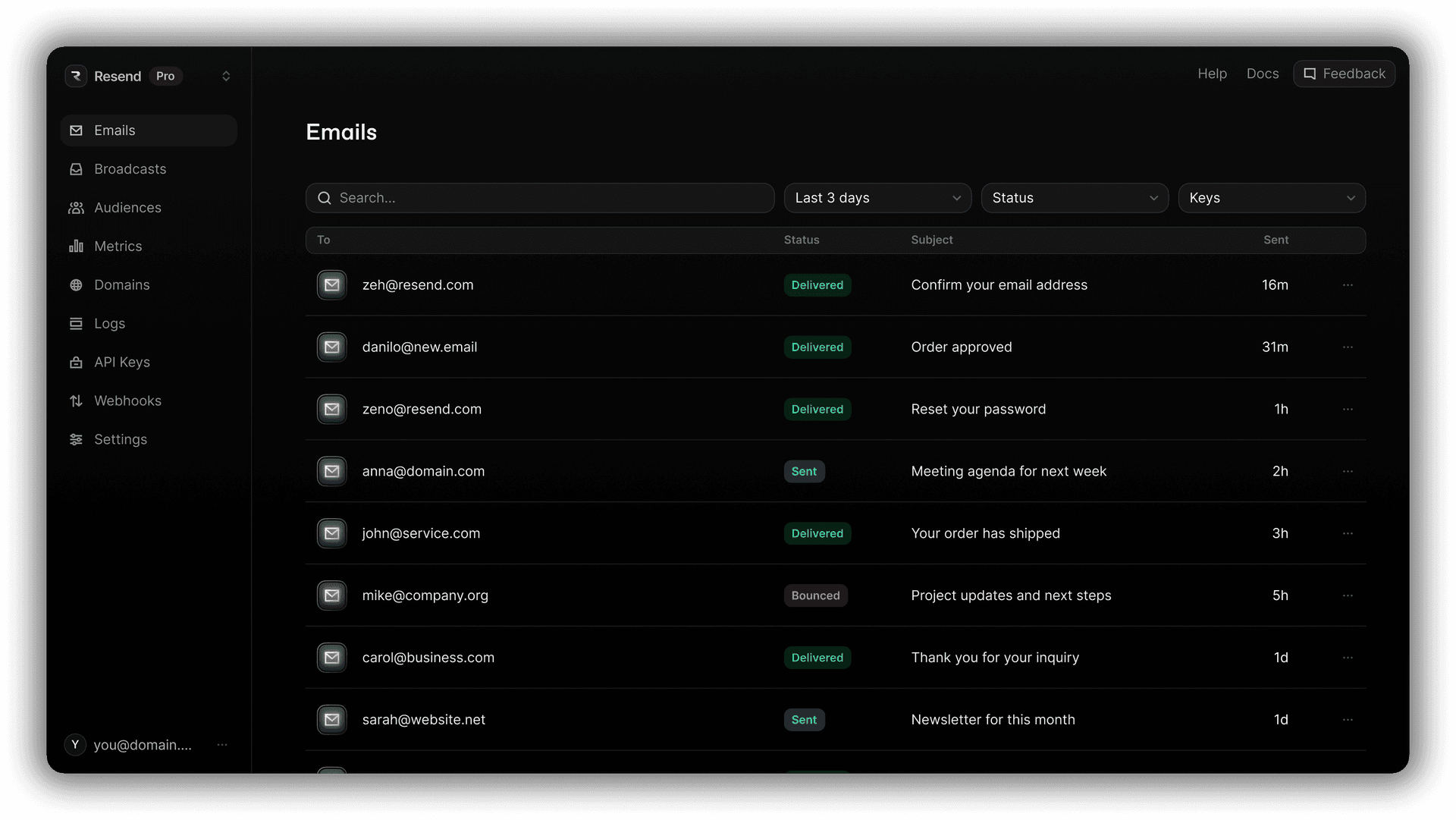
The Free plan can fit the month and still miss launch day
Resend’s transactional pricing, checked October 29, 2026, lists Free at 3,000 emails a month with a 100-email daily cap. Pro starts at $20 a month for 50,000 emails, without that daily cap. These are public USD monthly prices; check applicable taxes and your checkout offer.
| Transactional plan | Monthly price | Included per month | Daily cap |
|---|---|---|---|
| Free | $0 | 3,000 emails | 100 |
| Pro, starting tier | $20 | 50,000 emails | No daily email cap |
Count the right units. Sent and received email share the transactional quota. Each To, CC and BCC recipient counts separately for a sent email. The Free daily allowance resets at midnight UTC. Paid plans still have monthly quotas and API request limits; removing the daily email cap does not mean unlimited throughput. See Resend’s quota rules.
Example: steady use of 90 a day
In a hypothetical 30-day month, 90 counted emails each day totals 2,700. That fits both Free limits, provided those 90 already include received email, extra recipients and tests. Free also includes three domains. Check the features you need separately before treating the volume calculation as a plan recommendation.
Example: 160 on launch day
Suppose your app needs 160 counted emails on launch day and only 1,000 across the whole month. It fits the monthly allowance but exceeds Free’s daily cap by 60. Unused monthly capacity does not remove that cap. For time-sensitive signup messages, compare the $20 Pro starting tier before launch; delaying confirmations until the next UTC day may not be acceptable.
For the Pro starting tier above, paid overage is listed at $0.90 per started block of 1,000 emails when enabled. Free has no paid overflow. Marketing is a separate, contact-based product, so do not combine its allowance with this table. Your coding-agent subscription and application hosting are separate costs too.
Give the agent one complete email flow
“Set up email” leaves too many decisions open. Use the brief below to plan a specific flow before implementation. Fill in the brackets with your project details. It is a proposed starting brief, not a workflow tested for this review.
Plan Resend email for this app:
App and server framework: [project]
Event: [for example, signup confirmation]
Sending domain/subdomain: [domain]
DNS provider and existing mailbox use: [details]
Sender, reply-to and recipient rules: [details]
Template data supplied by the app: [fields]
Peak UTC-day / monthly volume: [include inbound, tests and CC/BCC]

Inspect the available Resend tools and current quota if connected.
Map the work across Resend, DNS and application code.
Specify server-side credential storage and variable names, without
printing secret values. Include an event-specific idempotency key,
retry behaviour, and the delivery events the app needs to handle.
Show the proposed template and integration changes first.
This request is for a plan; do not send mail or change production.
Retries matter when a request times out after Resend has already accepted it. With Resend’s idempotency keys, retrying the same key and payload within 24 hours returns the original result without sending a second email. Give retries of the same event the same key; give a genuinely new event a new one.
After implementing the flow, use Resend’s test addresses to exercise delivery, bounce and complaint handling. They simulate events and count against quota. Then check a controlled message in a real recipient mailbox, including its links and layout. Simulated delivery does not prove inbox placement.
Next step: fill in the brief for one app event, calculate the busiest UTC day, then compare the result with Resend’s current plans. The provider links are direct and carry no affiliate referral.
Disclosure: Some of the links in this article may be affiliate links, which can provide compensation to me at no cost to you if you decide to purchase a paid plan. This site is not intended to provide financial advice and is for entertainment only.